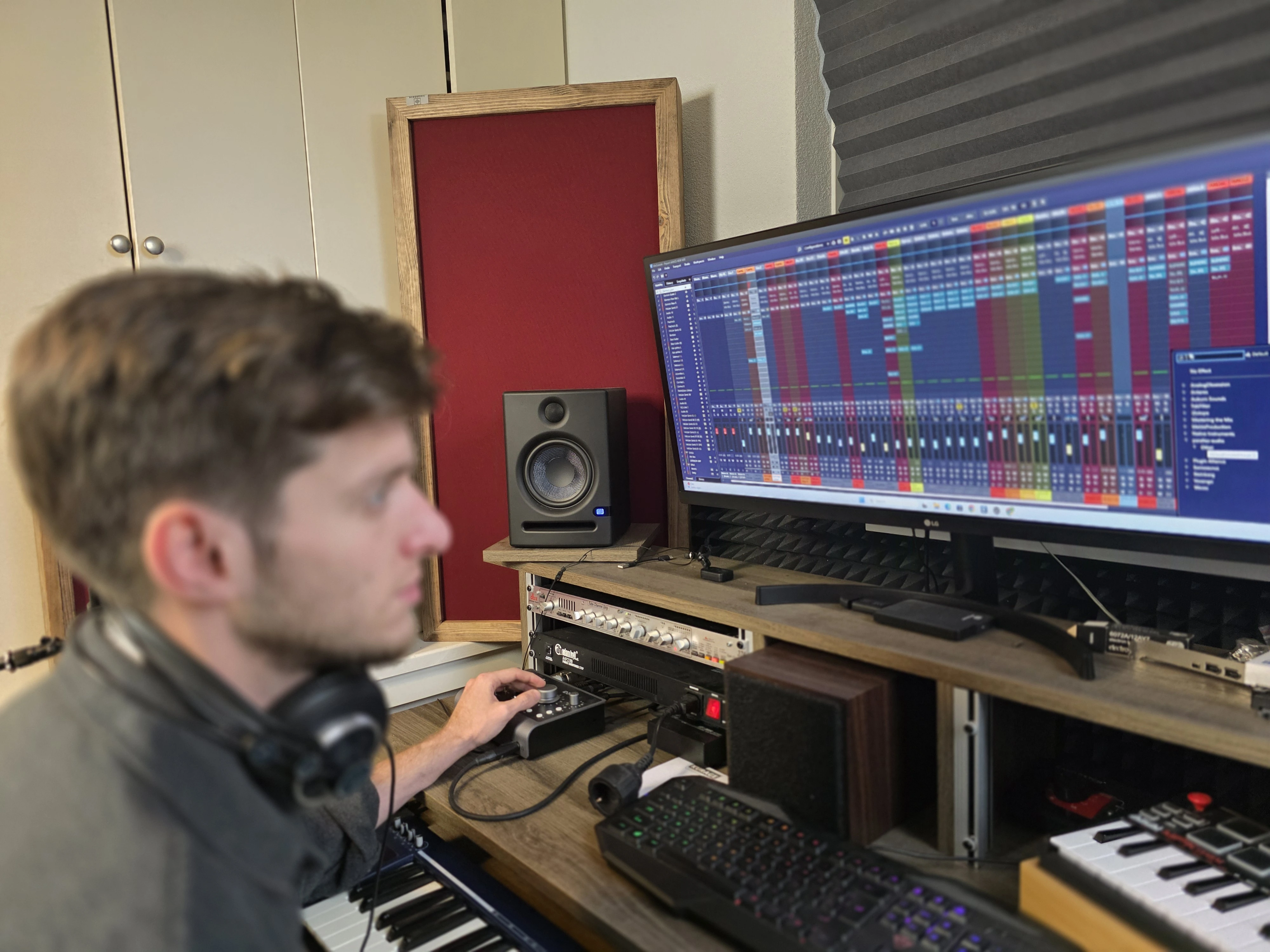
Listeners forgive many things, but not bad sound. Echo, room noise and reflections make podcasts, YouTube videos and online calls sound unprofessional. Luckily, you don't need a full studio build – a few well-placed panels can make a big difference in your audio quality without breaking the bank.
The reality: Most home recording spaces are far from ideal. Hard walls, windows, and furniture create reflections that microphones pick up. The good news? You don't need to cover every surface. Strategic placement of 4-8 panels can transform your sound quality.
Typical Problems for Home Creators
- "Bathroom" sound with lots of echo – harsh reflections make your voice sound distant and unprofessional
- Room reflections picked up by the microphone – distracting background noise that's hard to edit out
- Inconsistent sound when changing recording positions – moving slightly changes the audio quality dramatically
- Poor speech clarity in online meetings – colleagues struggle to understand you on video calls
- External noise leaking into recordings – traffic, neighbors, or household sounds ruining your takes
Best Acoustic Solutions for Podcasts & Creators
For home recording setups, focus on speech clarity. You don't need to treat the entire room – just the area where sound reflects most strongly:
Ideal Panel Placement for Podcast Recording
Behind the Microphone
Catch reflections that bounce back into the mic from the wall behind you
Beside Speaking Position
Reduce side-wall reflections that create that "boxy" sound
Opposite Wall
Control sound that travels across the room and back
Above Desk (optional)
Ceiling reflections that cause muddiness in vocal recordings
You don't need to cover the whole room; 4–8 panels are often enough for a big improvement in sound quality. Focus on the immediate area around your recording position for the best results.
Visual and Brand-Friendly Options
If you record on camera, your background matters. Viewers judge audio quality, but they also judge production value. Acoustific panels can enhance both:
- Serve as a clean, professional background – no more distracting shelves or blank walls
- Include printed logos or visuals – build your brand with custom-printed panels featuring your logo or artwork
- Match your personal brand colours – choose from 42 RAL colors to match your channel's aesthetic
- Create a "studio look" – give your videos and streams a professional appearance that builds credibility
Pro tip: If you record video, position panels behind you as a background. They'll serve double duty – improving audio by catching reflections while creating a visually appealing backdrop for your content.
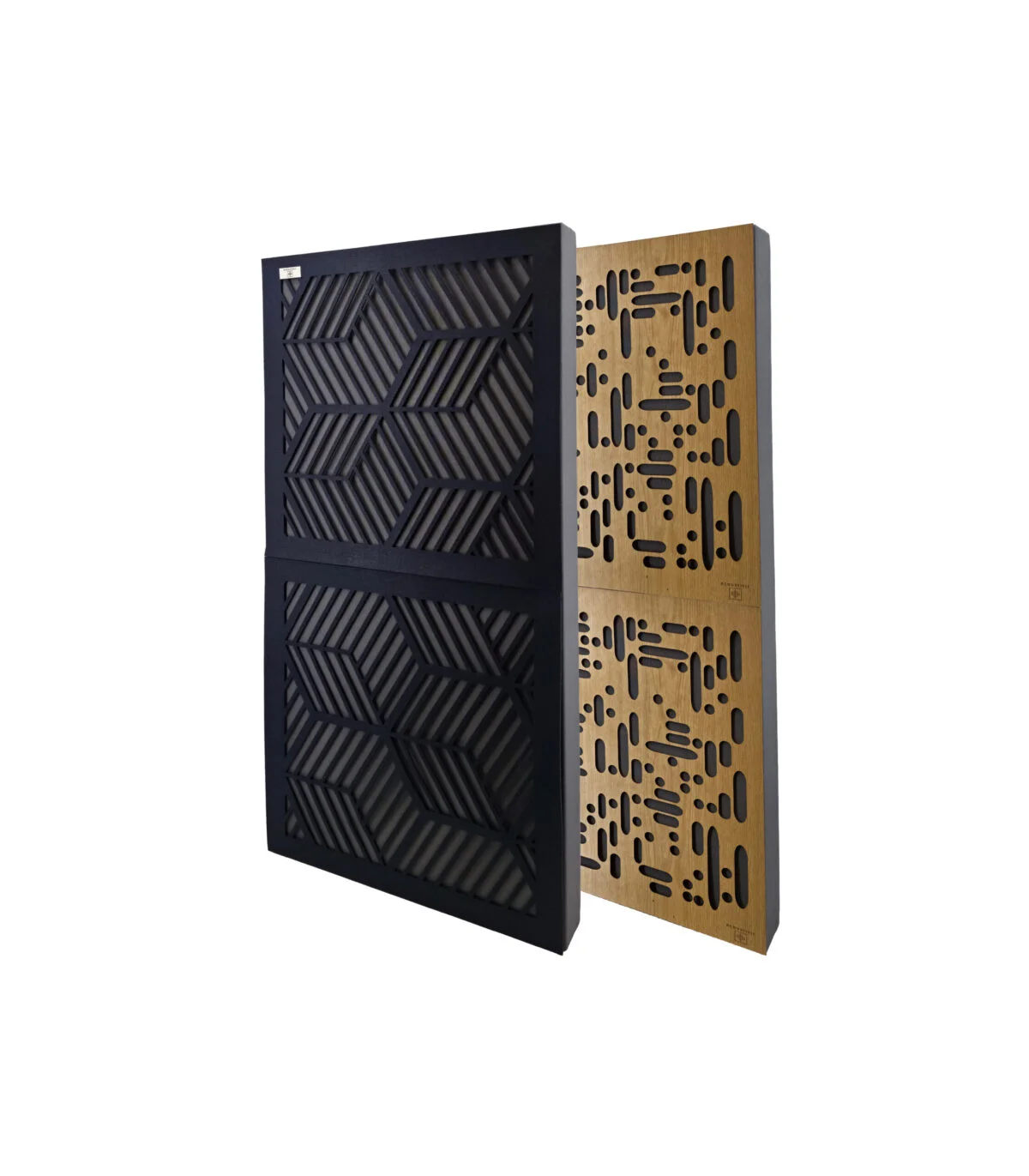
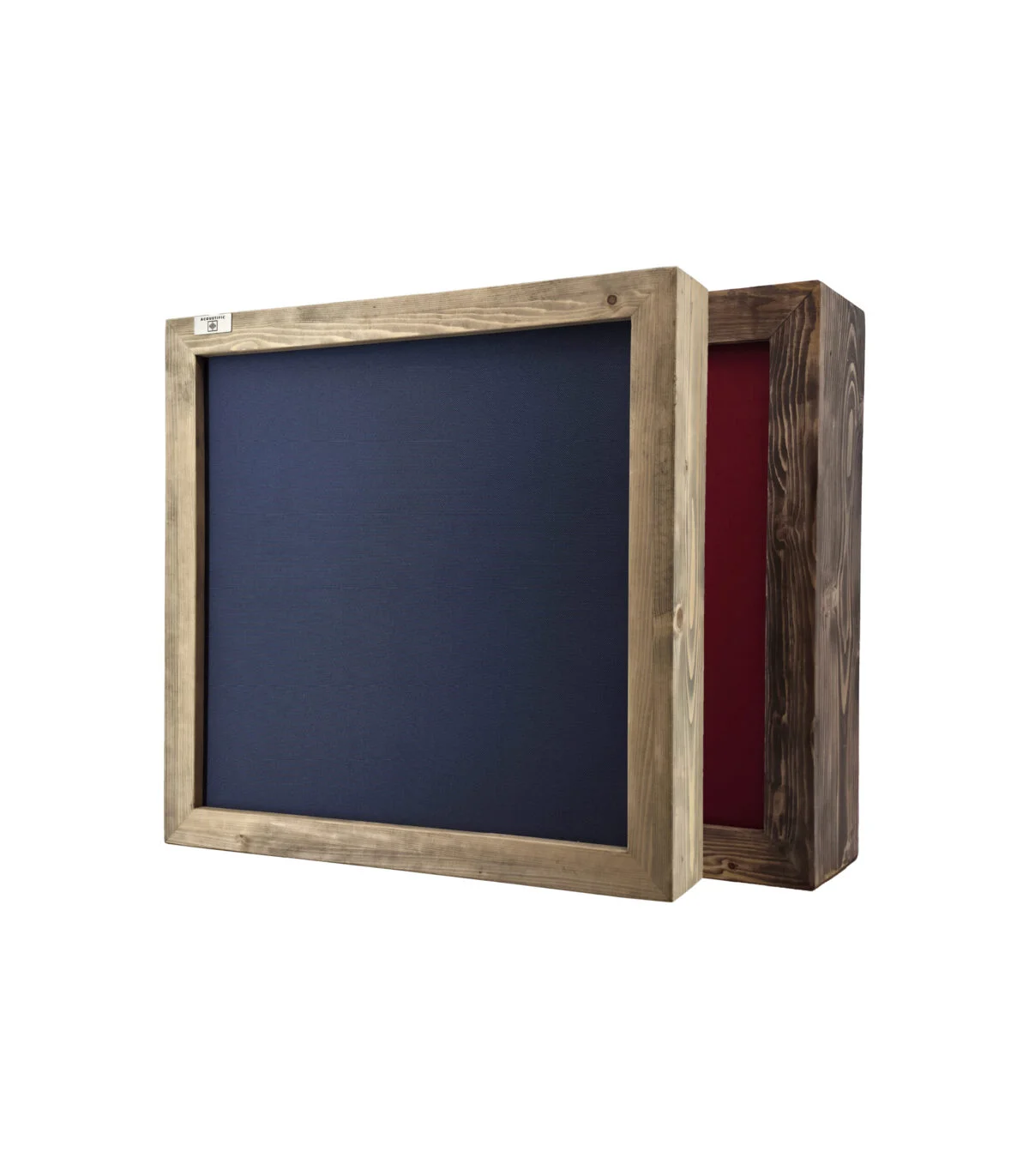
Recommended Acoustific Products for Podcasts & WFH
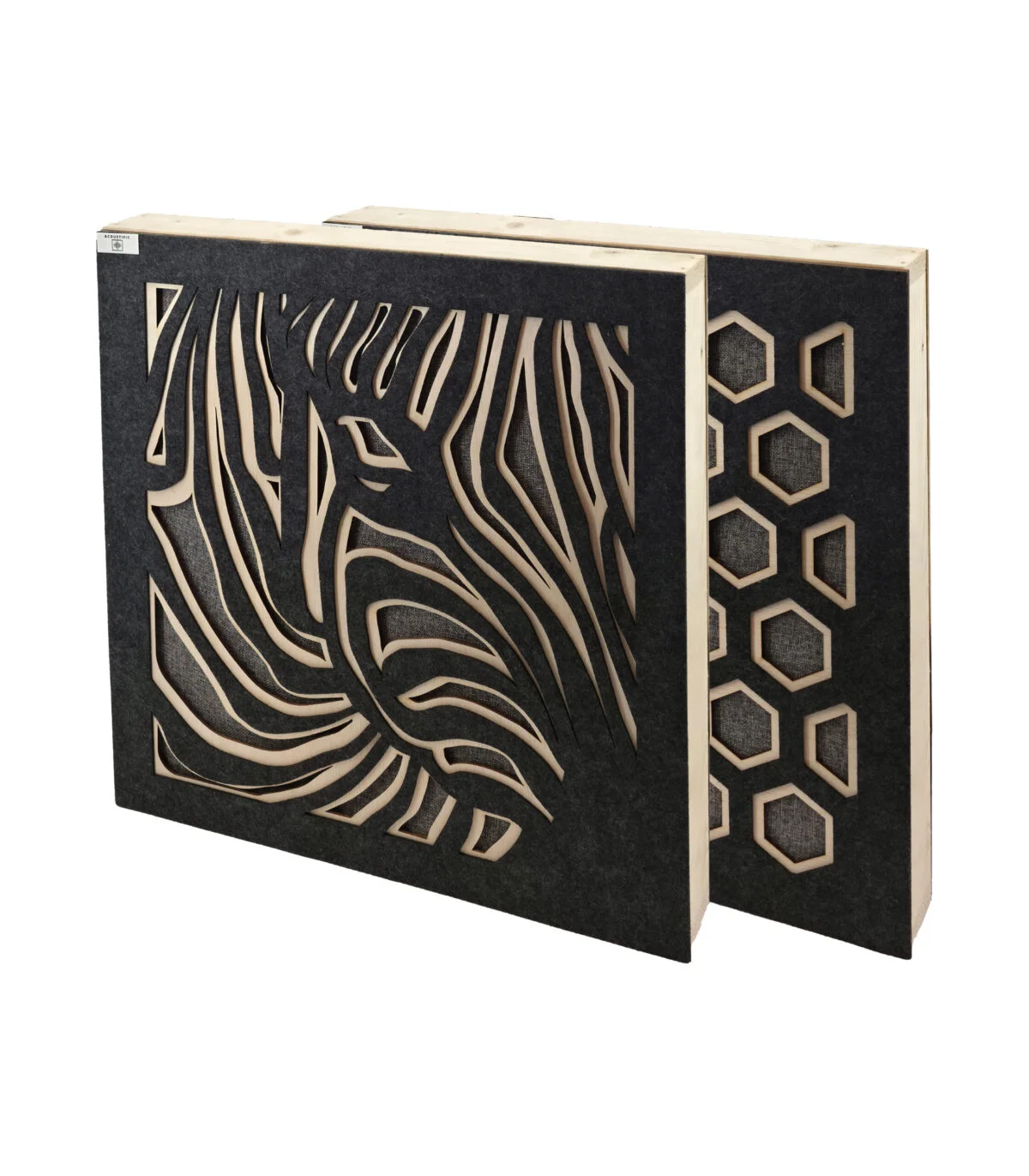
Art Panels
Custom printed with logo or artwork • Perfect for video backgrounds
FAQ: Podcast & Home Office Acoustics
Case Study: From Bedroom to Professional Podcast Studio
A podcast host was recording in a small bedroom with bare walls. The audio had a noticeable echo that made the show sound amateur. With 6 custom-printed S10 panels (featuring his logo) placed behind him and to the sides, the echo disappeared. Listeners immediately noticed the improvement, and the podcast was accepted into a major network. The host reports that recording is now faster because he doesn't need to do as many audio edits.
Ready to sound professional? Contact us for a free consultation. Our acoustic specialists will help you design the perfect setup for your podcast, YouTube channel, or home office.